
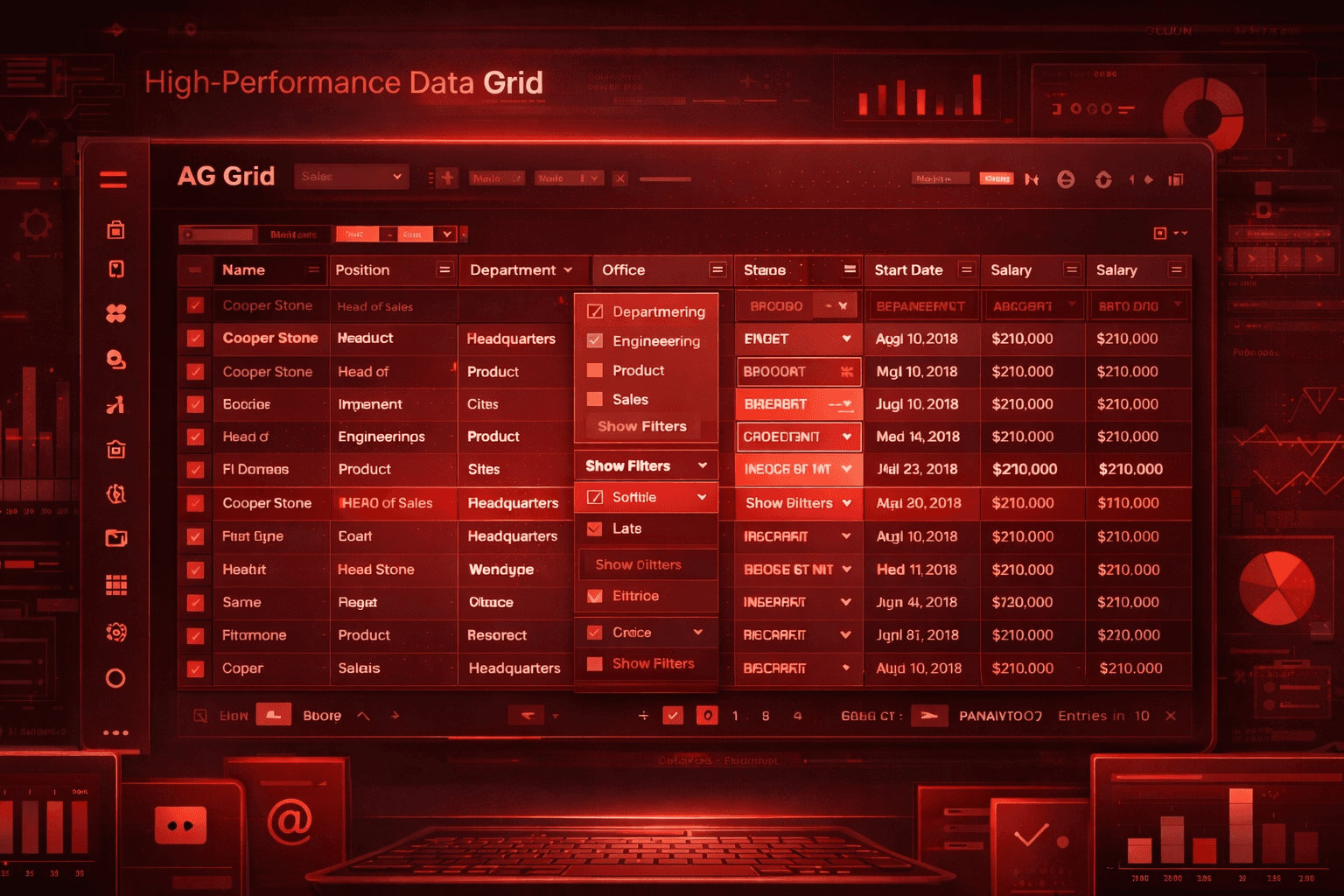
AG Grid: Practical Notes for Building Serious Data Tables
Editor | February 27, 2026 | 4 min read
AG Grid is a high-performance data grid library for React, Angular, Vue, and vanilla JavaScript, built for applications that need more than basic tables. It offers a free Community edition and a paid Enterprise edition for advanced features.
When AG Grid Makes Sense
Use it when you need:
- large data sets with fast scrolling and updates
- rich table features out of the box (sorting, filtering, editing)
- custom cell renderers and complex UI inside the grid
AG Grid's "batteries included" approach is useful if you want a complete grid without wiring many separate components.
Community vs Enterprise
AG Grid Community is free to use. Enterprise adds advanced capabilities and requires a commercial license.
Practical rule of thumb:
- Start with Community while building and validating product fit.
- Move to Enterprise when you need the advanced features and commercial support.
Getting Started (Mental Model)
- Define columns (headers, field mapping, renderers).
- Provide rows (data source).
- Add grid options (sorting, filtering, pagination).
- Customize with themes or your own styles.
AG Grid offers built-in themes and a theming API so you can align it to your design system.
Final Take
If your app needs serious data interaction, AG Grid is one of the safest choices. It is fast, feature-rich, and well-supported across frameworks - especially when you want to avoid rebuilding grid behavior from scratch.
References: https://www.ag-grid.com/