
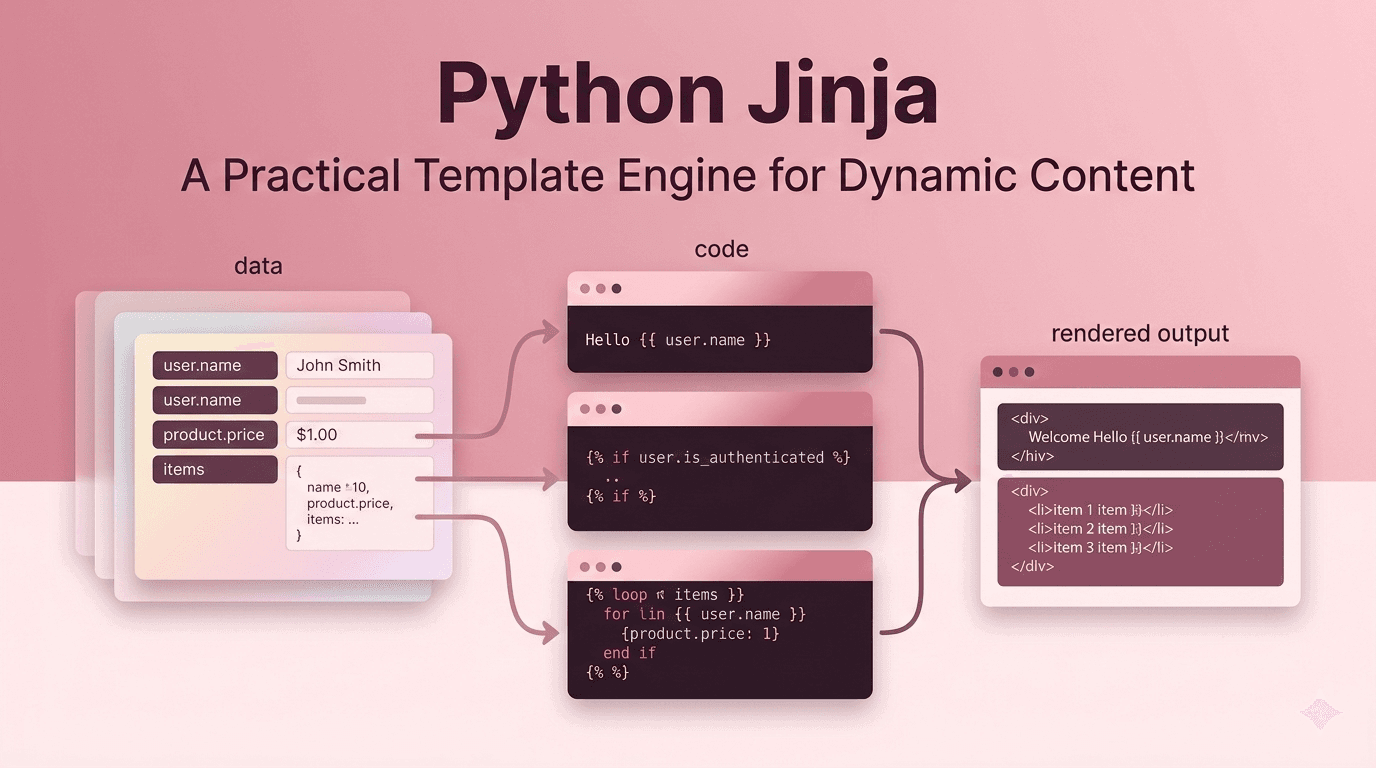
Python Jinja: A Practical Template Engine for Dynamic Content
Editor | February 26, 2026 | 3 min read
When Python projects need dynamic HTML or text rendering, Jinja is usually the default choice. It keeps presentation logic separate from application logic, which makes code easier to maintain as projects grow.
Jinja is widely used in frameworks like Flask, but it also works well as a standalone templating layer in scripts, backend services, and static generation workflows.
Why Teams Choose Jinja
Jinja balances flexibility and structure:
- familiar syntax with variables, conditionals, and loops
- template inheritance for reusable layouts
- filters for formatting values cleanly
- autoescaping support to reduce XSS risk in HTML output
This lets teams build reusable UI/text templates without turning templates into complex Python code.
Core Concepts That Matter
1. Variables and Expressions
Jinja interpolates values with double braces:
<h1>{{ title }}</h1>
2. Control Flow
You can conditionally render and loop through data:
{% if user %}
  <p>Welcome, {{ user.name }}</p>
{% endif %}
3. Template Inheritance
Define a base layout once, then extend it in child templates. This avoids duplicated markup and keeps page structure consistent.
Practical Use Cases
Jinja is a good fit for:
- server-rendered pages in Flask/FastAPI setups
- email templates
- config/code generation
- report and document rendering
If you need consistent output from changing data, Jinja reduces repetitive string building and improves readability.
Best Practices
- Keep business logic out of templates.
- Use macros for repeated UI blocks.
- Enable and preserve autoescaping for HTML.
- Validate template inputs before rendering.
These habits keep templates safe, testable, and easier for teams to evolve.
Final Take
Jinja remains one of the most practical Python libraries for templating because it is simple to adopt, powerful enough for production use, and readable for both developers and reviewers.