
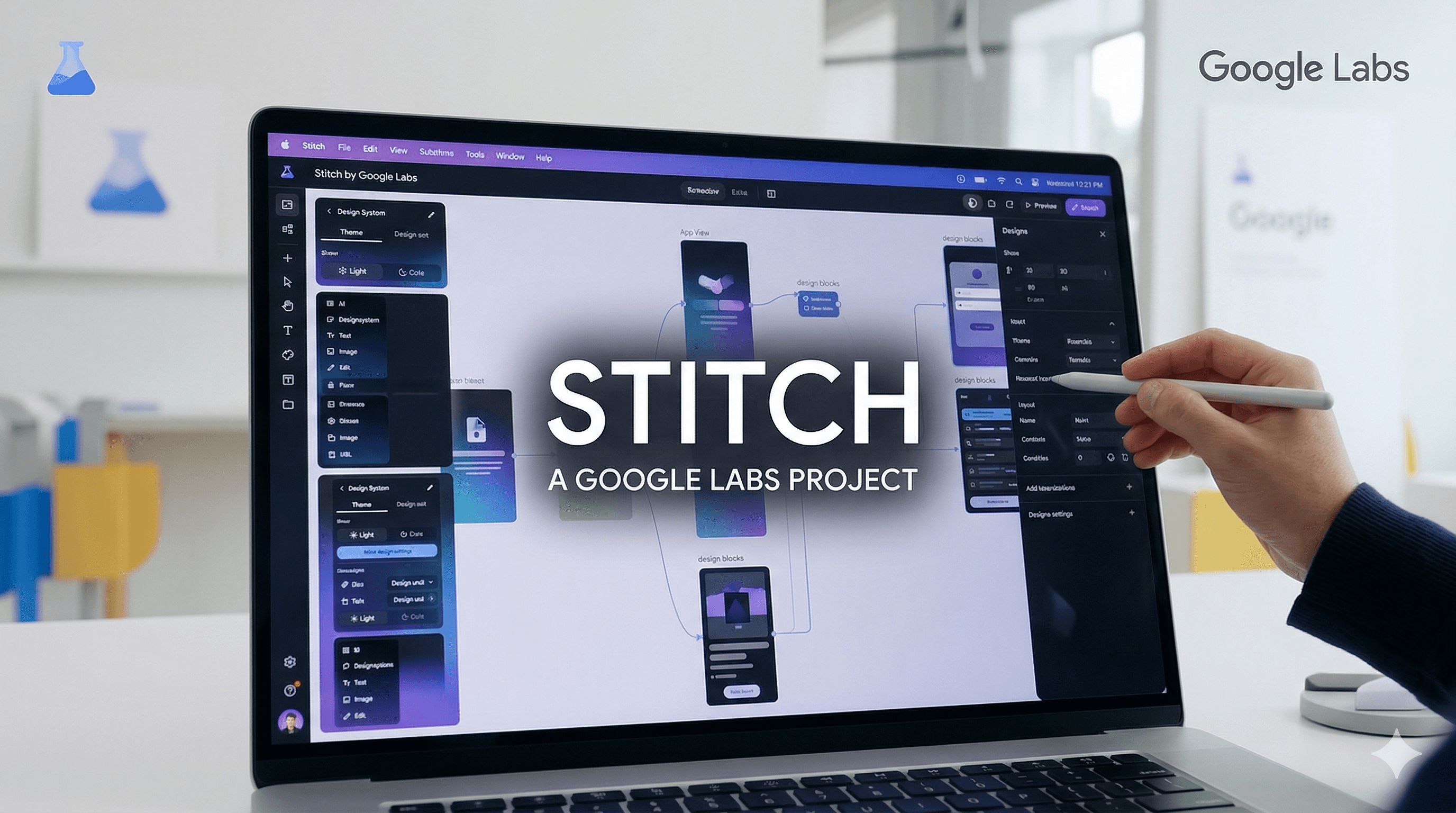
Stitch by Google Labs: AI Design Tool Overview
Editor | March 20, 2026 | 9 min read
Stitch is an experimental AI-powered design tool from Google Labs. It helps teams generate UI ideas quickly and explore flows without starting from a blank canvas.
This overview explains what Stitch is, what the Gemini 3 update brings, and how to think about it in a practical product workflow.
What Stitch Is
Stitch is positioned as a fast way to bring UI ideas to life. It is part of Google Labs and described as an experimental tool. The focus is on accelerating UI generation and early-stage exploration.
At a high level, think of it as a design assistant for quickly creating interface concepts and flows that you can refine later.
What the Gemini 3 Update Adds
Google announced that Stitch now uses Gemini 3 to improve UI generation quality. The update aims to help teams get higher quality results from their prompts and iterations.
If you are testing multiple UI ideas rapidly, the model upgrade matters because it reduces the number of iterations needed to get a usable result.
Prototypes: Stitching Screens Into Flows
A notable new feature is Prototypes. This lets you stitch multiple screens together on a canvas to create a working prototype. Instead of a single static screen, you can build user flows and interactions across screens.
This is a meaningful shift: you can validate navigation and user journeys earlier, not just the look of individual screens.
Practical Use Cases
Stitch is most useful when you need to:
- Explore multiple UI directions quickly
- Build rough flows for early validation
- Reduce the time between idea and visual artifact
It is not a replacement for a full design system or deep UX research, but it is very effective for fast iteration.
How to Use It in a Real Workflow
A practical approach:
- Start with one or two screens that represent the core journey.
- Use Stitch to explore layout and visual direction.
- Create a prototype flow and test it with stakeholders.
- Move the best direction into your main design system or product codebase.
The goal is not to ship directly from the AI output, but to accelerate exploration.
What to Watch For
Because Stitch is experimental, it is important to treat outputs as drafts. Verify usability, accessibility, and consistency before using designs in production.
You should also expect iterative improvements over time as the product evolves.
Final Take
Stitch is a Google Labs experiment focused on faster UI generation and early prototyping. The Gemini 3 update improves UI quality, and the Prototypes feature helps teams validate flows earlier. Use it as an accelerator, then refine with your standard design and engineering processes.
References: